Overview
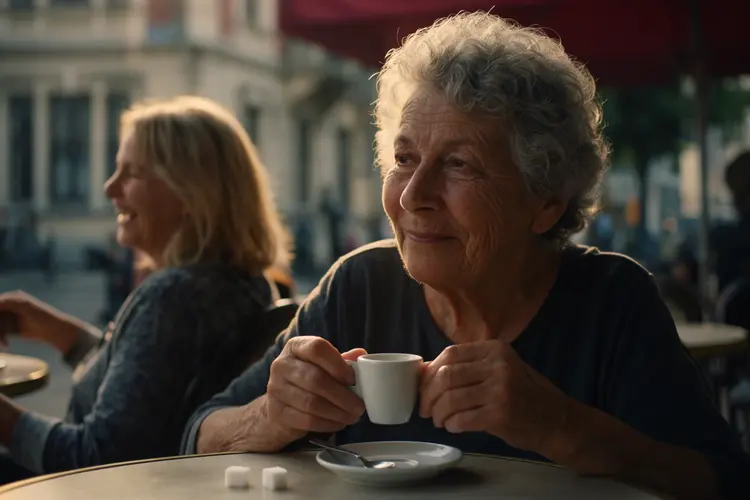
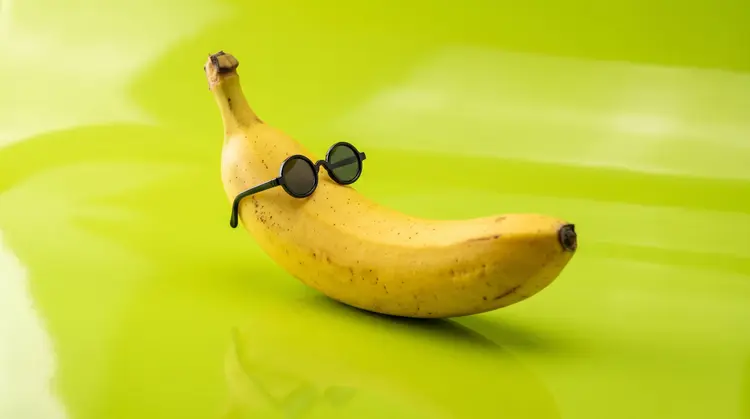
Krea 2 Large is a foundation model for text-to-image generation, built for creators who need both photorealistic precision and expressive artistic range from a single tool. Whether you're mocking up a product shot or composing a surreal landscape, it handles both without switching between specialized models. On Picasso IA, you write a prompt, pick your aspect ratio, and get a high-fidelity image in seconds. It's the larger, more capable version in the Krea 2 family, with stronger detail retention and wider stylistic reach across genres.
How It Works
- Write a text prompt describing the image you want, from a simple subject to a fully detailed scene with specific lighting, mood, and style direction.
- Choose an aspect ratio (1:1, 16:9, 9:16, and others) to match your target format, whether that's a social media post, a wallpaper, or a print layout.
- Set the creativity level to control how closely the model follows your words. "Raw" renders only what you describe; "high" takes creative liberty to fill in and interpret the scene.
- Optionally upload up to 10 reference images to shape the visual style of the output, then set how strongly that style influences the result.
- Hit generate, review the image, adjust your prompt or settings, and regenerate until the output matches what you had in mind.
Frequently Asked Questions
Do I need programming skills or technical knowledge to use this?
No, just open Krea 2 Large on Picasso IA, adjust the settings you want, and hit generate.
Is it free to try?
Yes, you can run Krea 2 Large for free without entering payment details. It's a practical way to test how the model responds to your prompts before committing to a plan.
How long does it take to get results?
Most images are ready within a few seconds. Highly detailed prompts or style transfers may add a moment, but generation is fast in standard conditions.
What output formats are supported?
Krea 2 Large produces standard image files you can download directly. There are no watermarks on the output, so it's ready to use in client work or personal projects.
Can I control the visual style of the output?
Yes. Upload reference images to transfer a specific look to your result and adjust the style strength anywhere from subtle to dominant. The creativity setting also controls how literally or loosely the model reads your prompt.
What aspect ratios are available?
The model supports eight aspect ratios: 1:1, 4:3, 3:2, 16:9, 2.35:1, 4:5, 2:3, and 9:16. This covers the most common formats for social media, web, and print.
What if I'm not satisfied with the result?
Refine your prompt, try a different creativity level, or change the seed to get a fresh variation. Small wording changes often shift the output noticeably, so iteration is quick.