• Picasso AI Logo
    Logo Picasso IA
  • Home
  • AI Image
    Nano Banana 2
  • AI Video
    Veo 3.1 Lite
  • AI Chat
    Gemini 3 Pro
  • Edit Images
  • Upscale Image
  • Remove Background
  • Text to Speech
  • Effects
    NEW
  • Generations
  • Billing
  • Support
  • Account
  1. Effects
  2. Ahegao

Generate
Top choice
Browse more effects

Ahegao

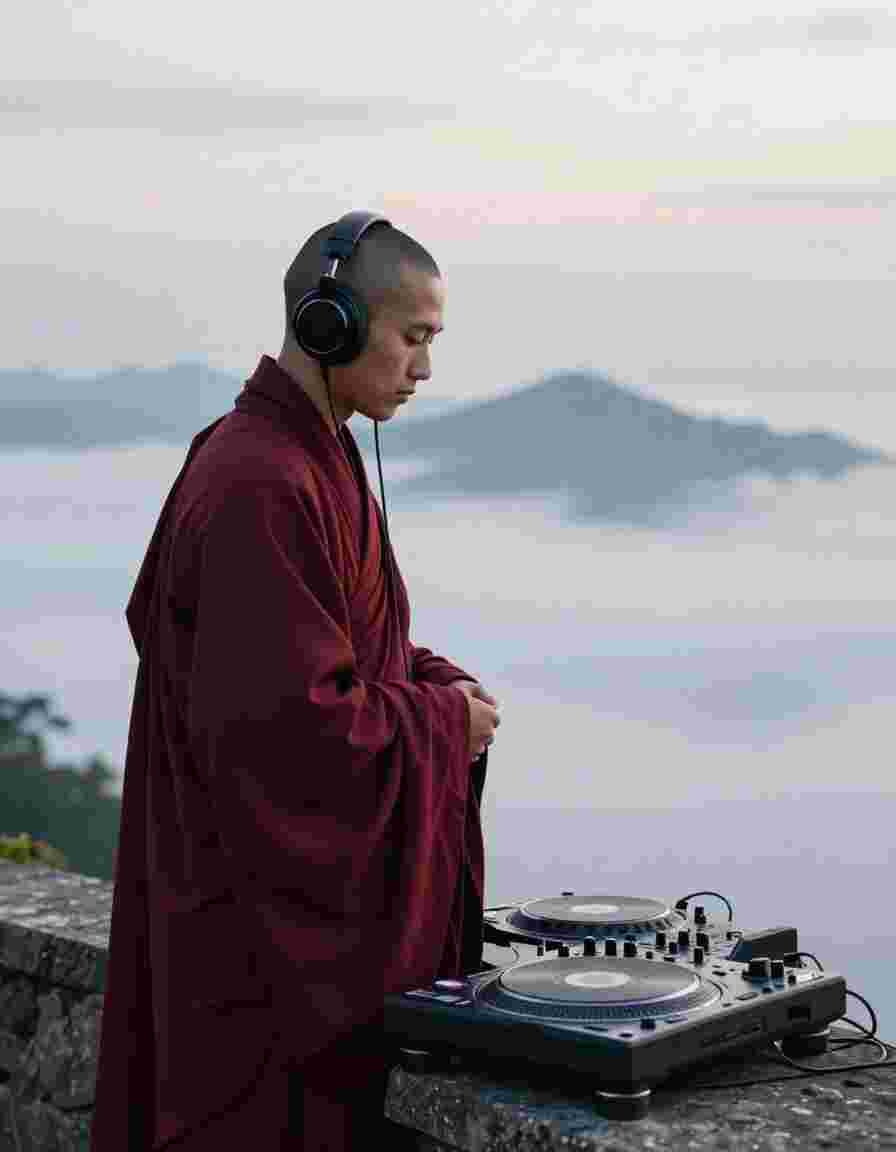
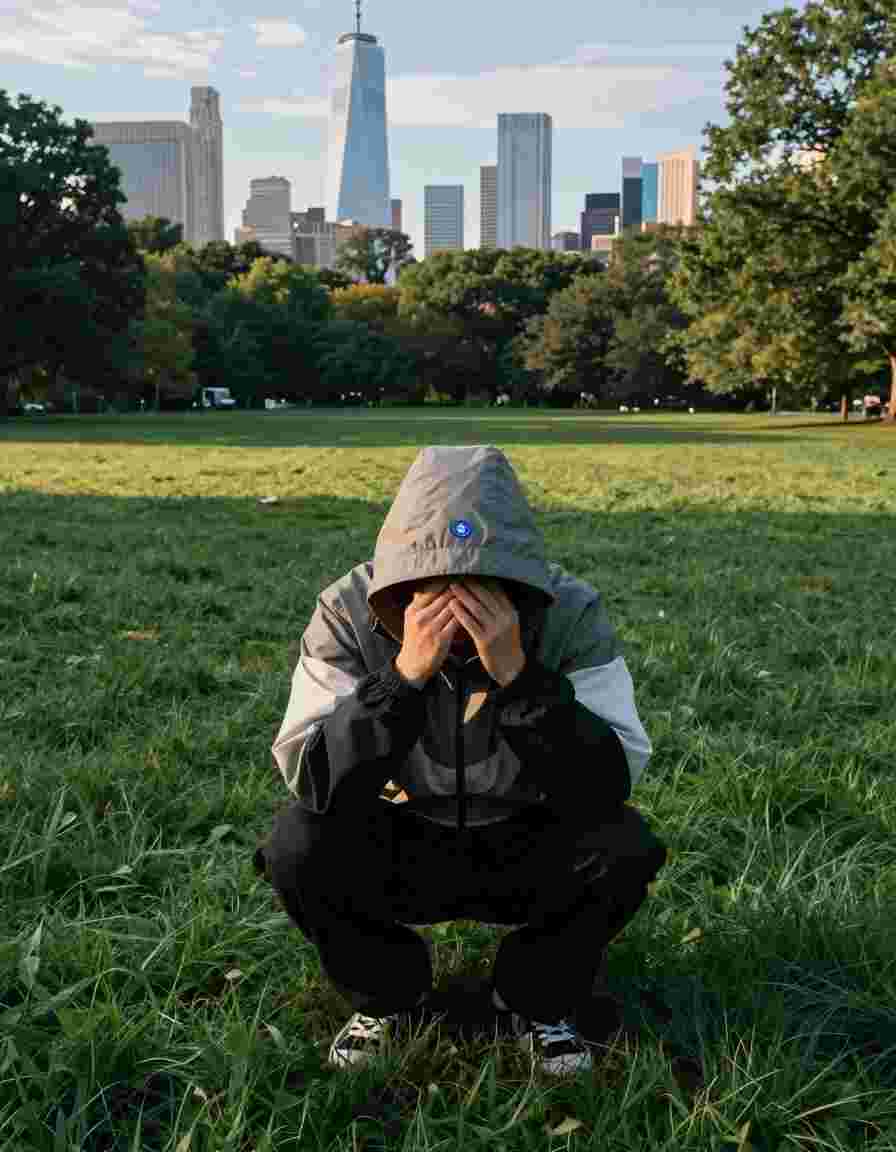
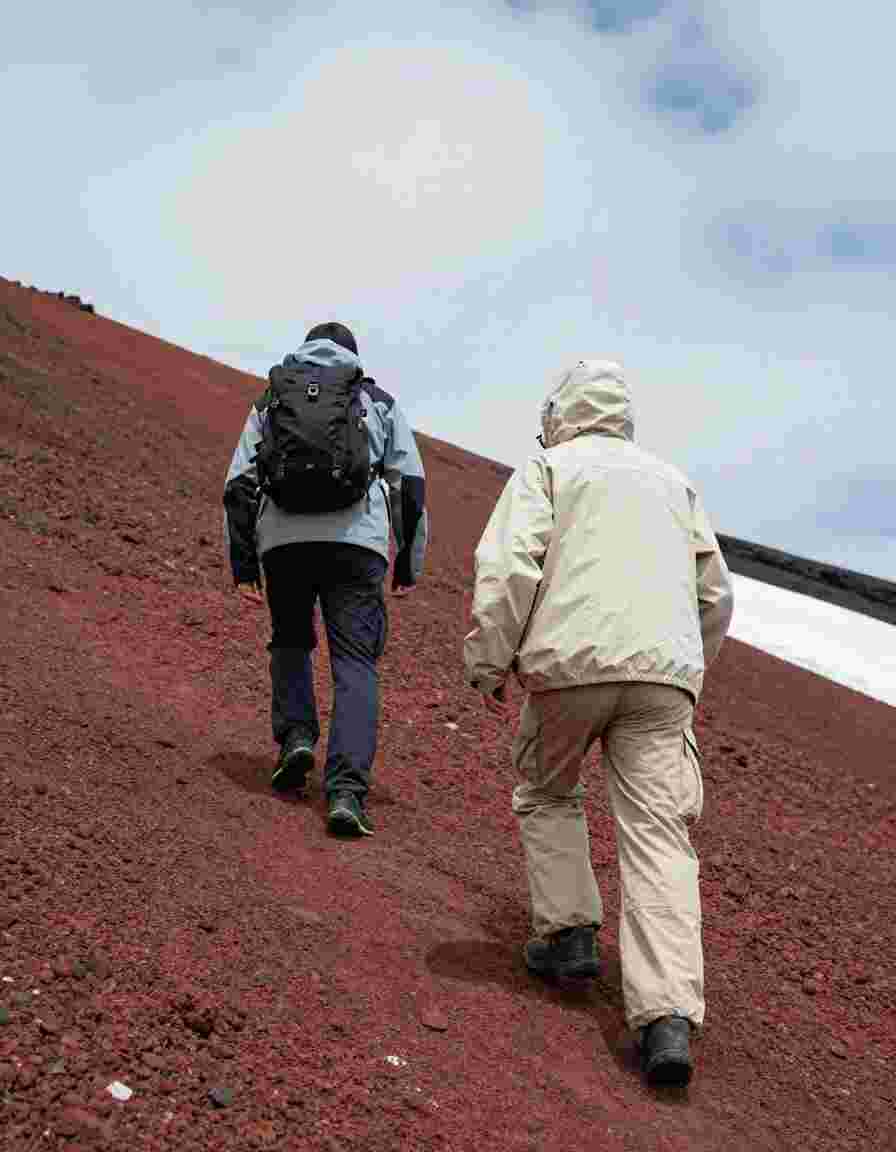
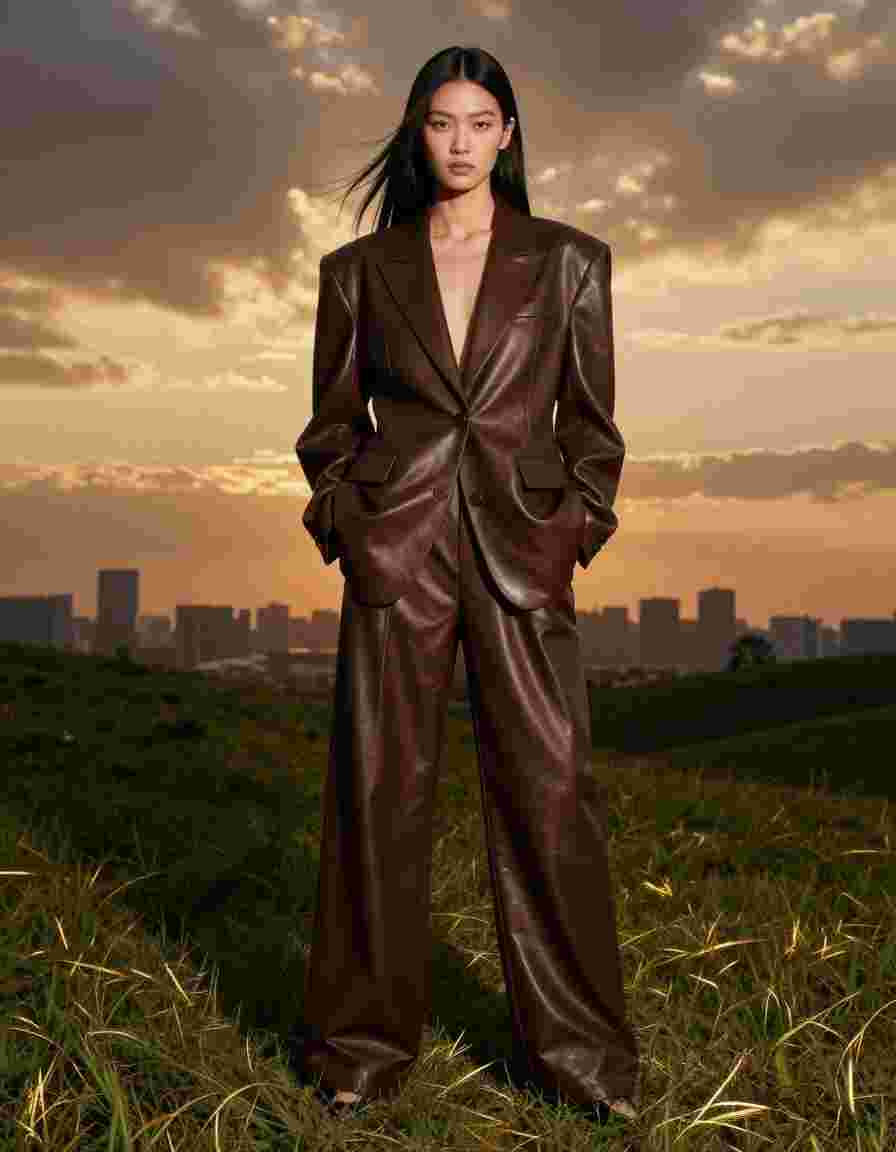
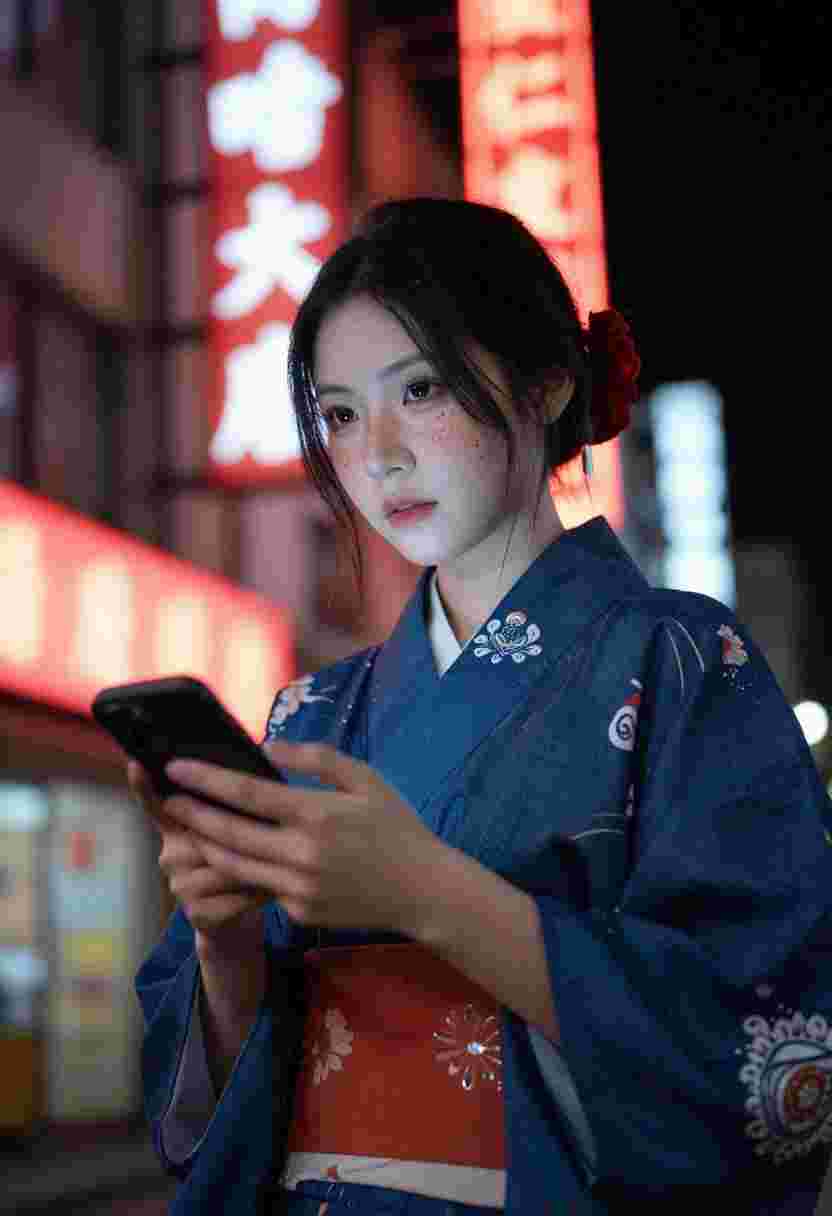
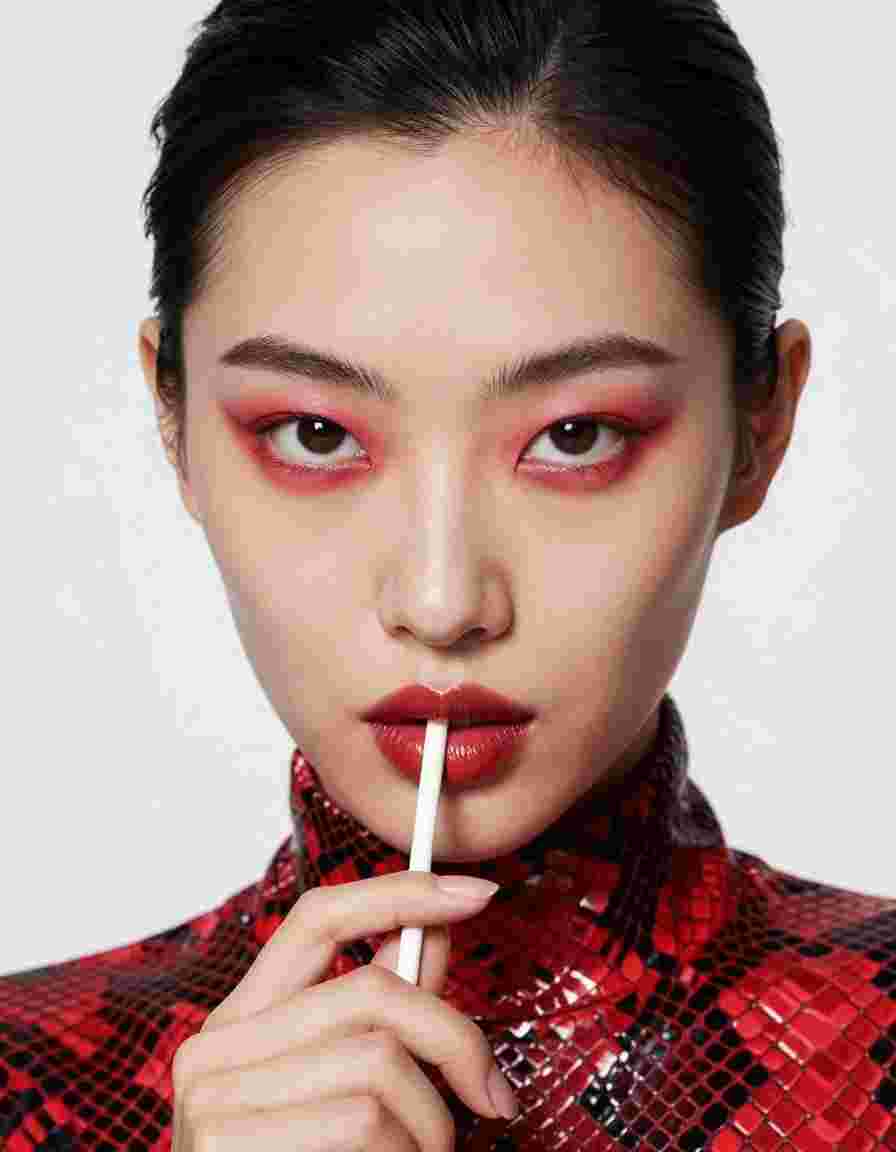
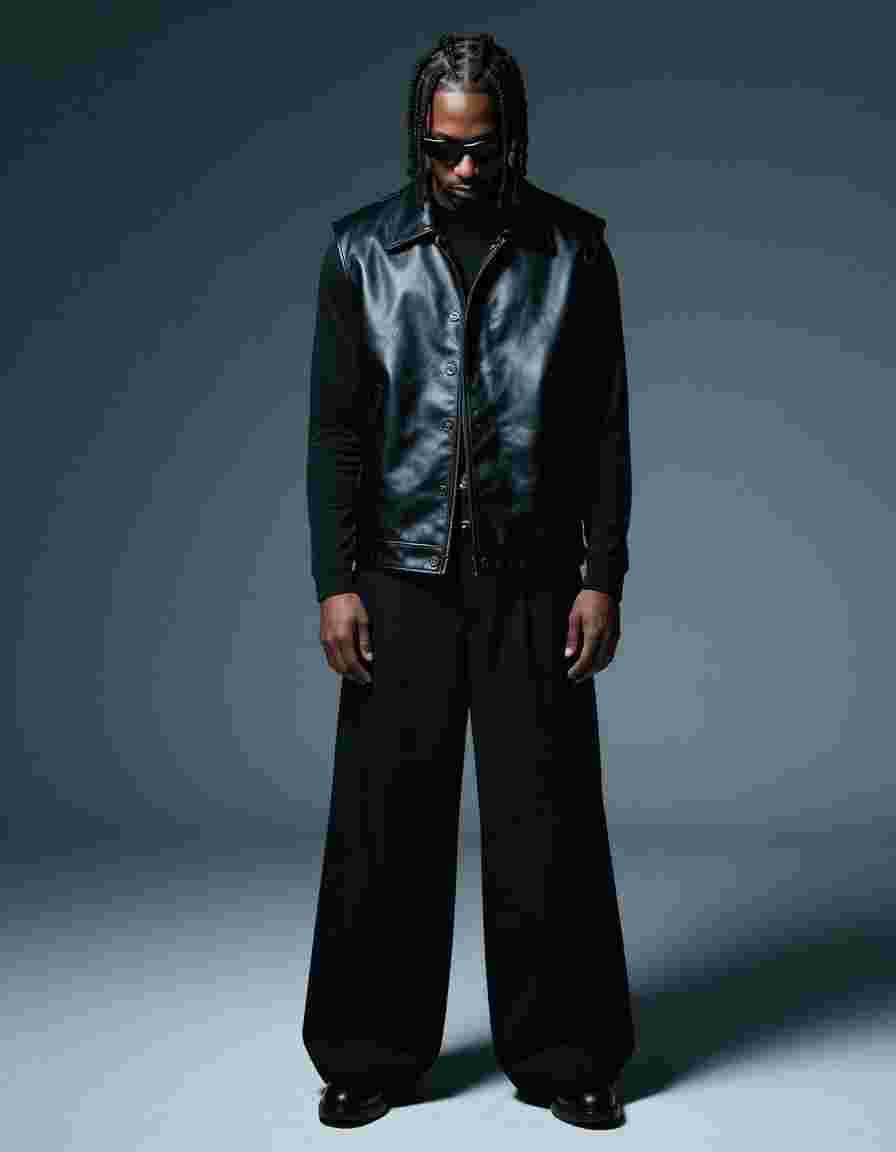
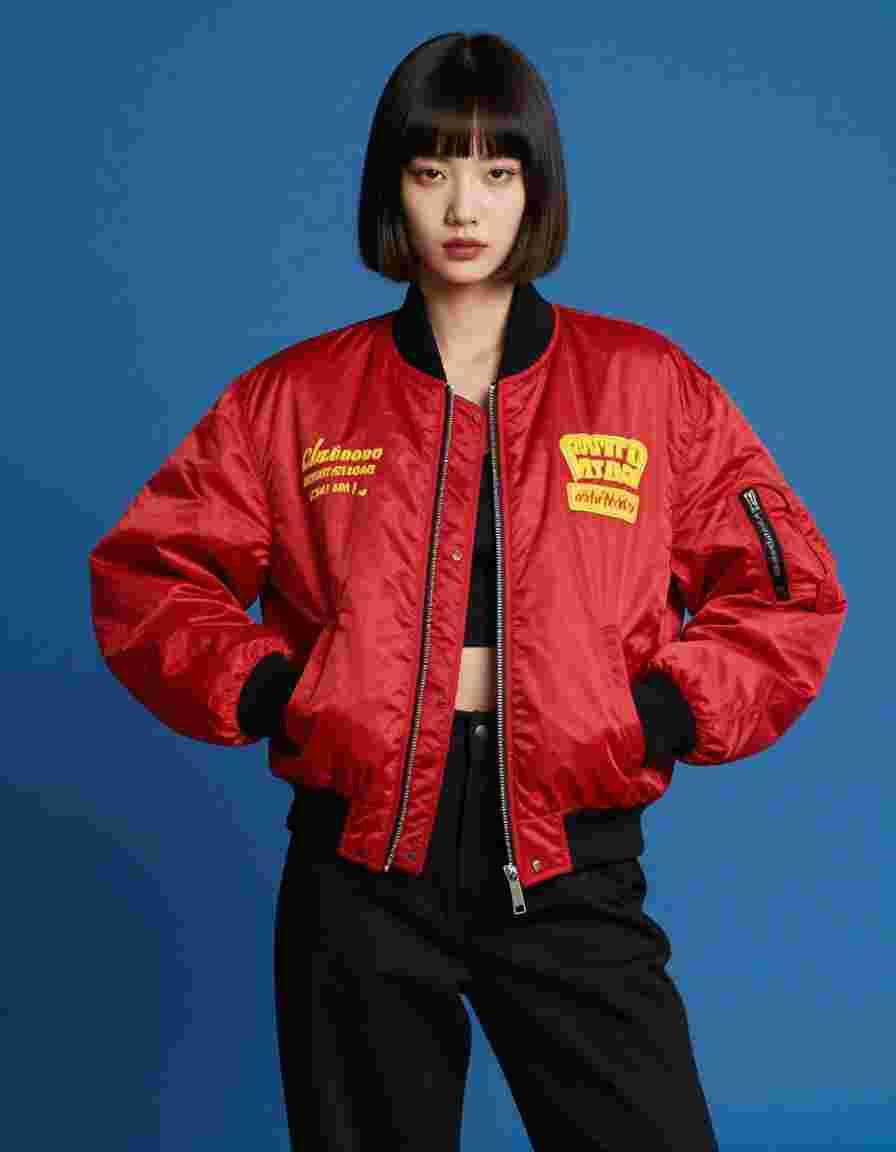
Ahegao is an AI-powered Viral effect rendered with Wan 2.2. Upload one photo, hit generate and get a cinematic video clip in seconds with no editing skills required.

Wan 2.2

Viral

Effects

Anime

Try Ahegao

About Wan 2.2

by Alibaba · released 2024

Clip duration
5s
Released
2024
Strengths
Stylized motion, anime-friendly aesthetics, fast turnaround
Best for
Anime transitions, creative experimental effects, social posts

How to use this effect

Three steps to turn any photo into the Ahegao cinematic clip. No editing skills required.

  1. 1

    Upload your photo

    Pick a high-quality image up to 10MB. Portraits, landscapes and product shots all work great as input for Wan 2.2.

  2. 2

    Confirm the effect

    The Ahegao template arrives pre-configured with the prompt and parameters tuned by our team. You can tweak them or hit generate directly.

  3. 3

    Generate and download

    AI renders your cinematic clip in seconds. Download in HD or share directly to TikTok, Reels and Shorts.

More Viral effects

Effects from the same category, hand-picked because they pair well with what you just saw. Apply any of them with one click using a different photo.

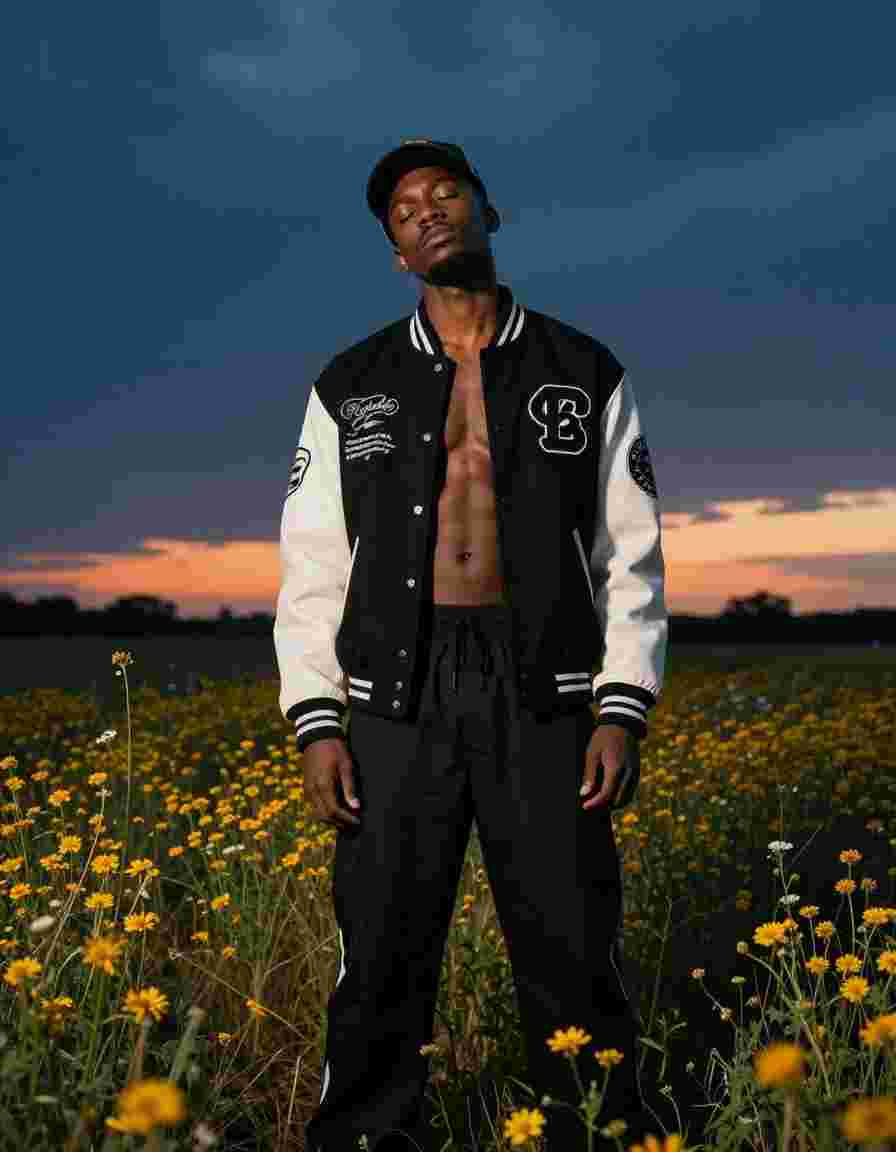
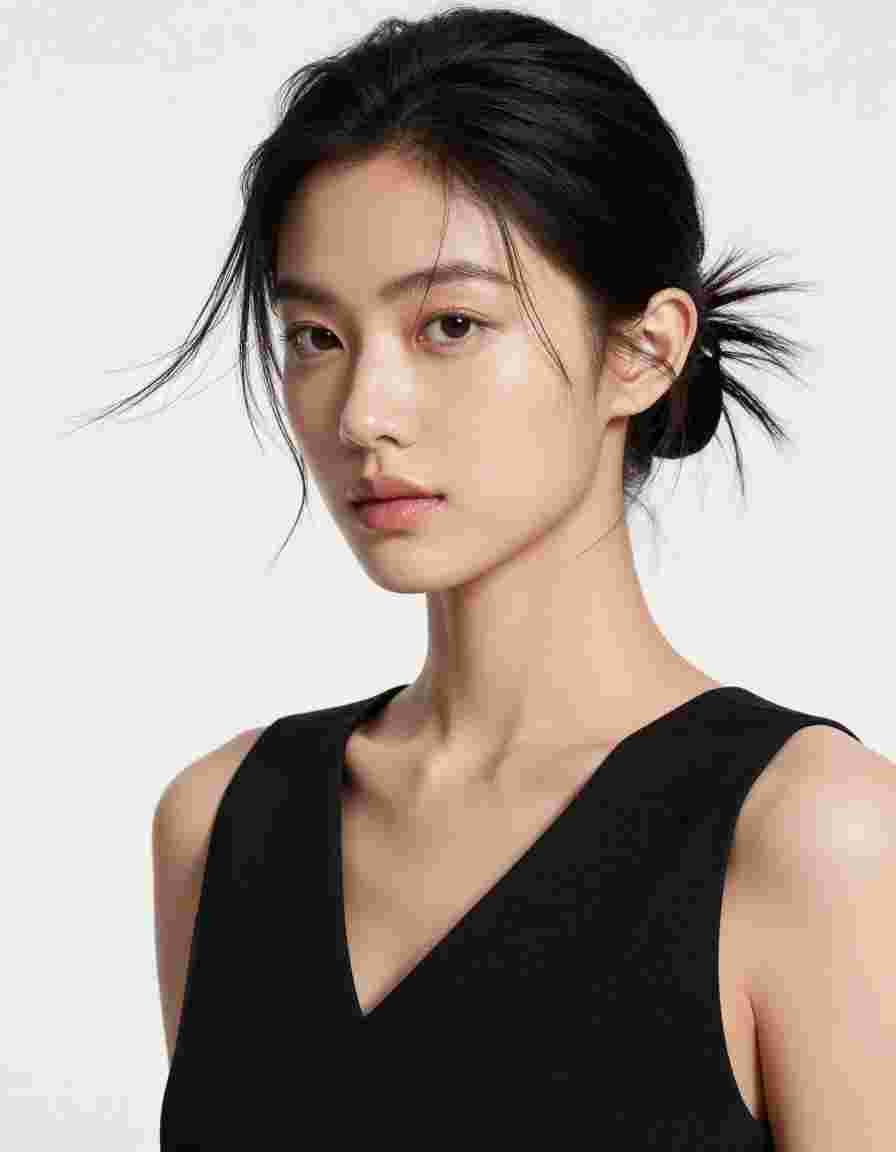
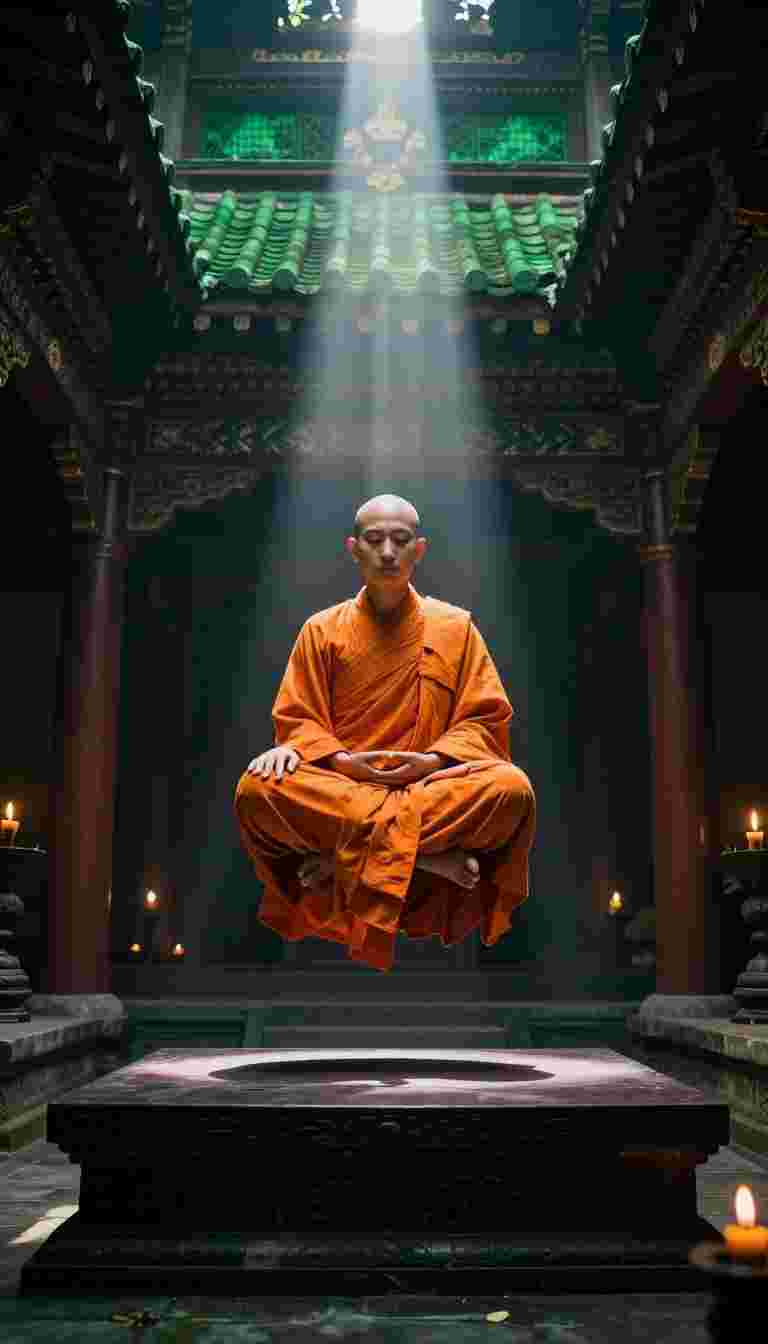
Raven Transition AI visual effect, first frame preview

Raven Transition

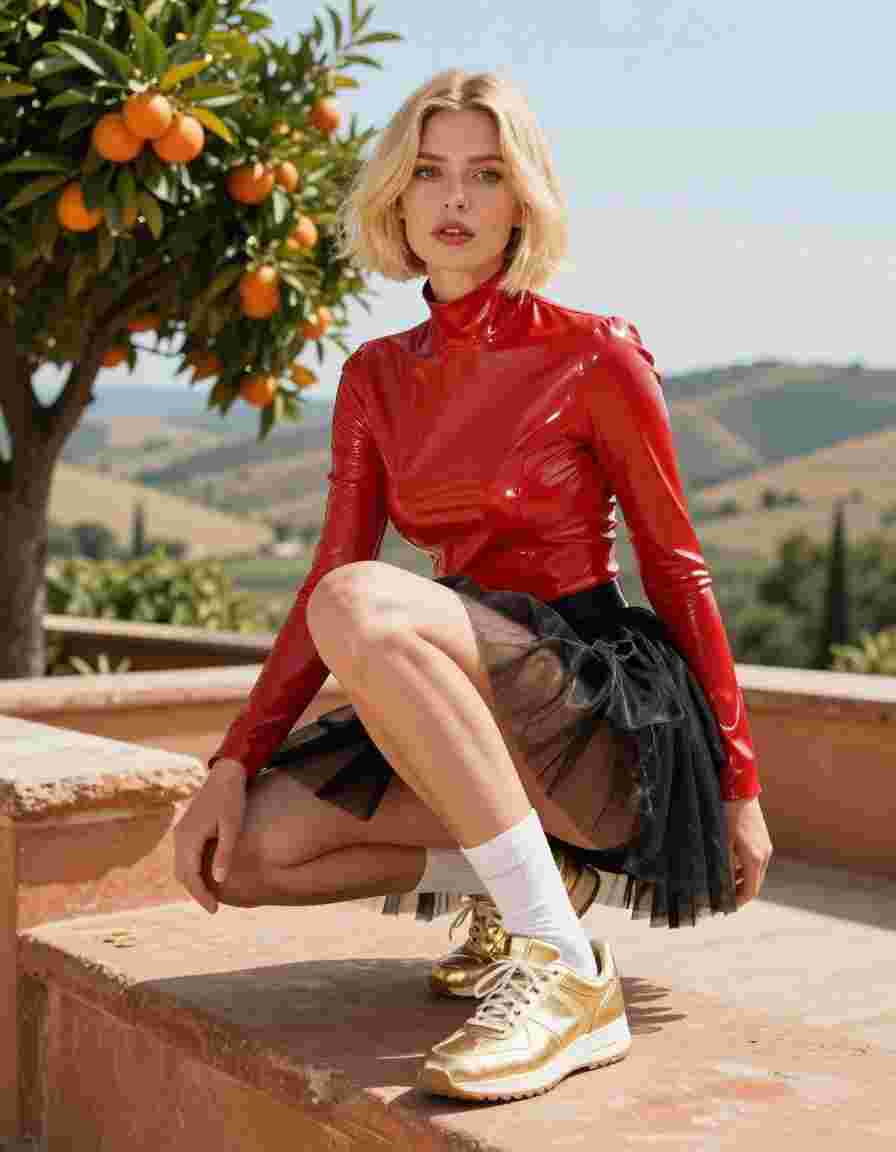
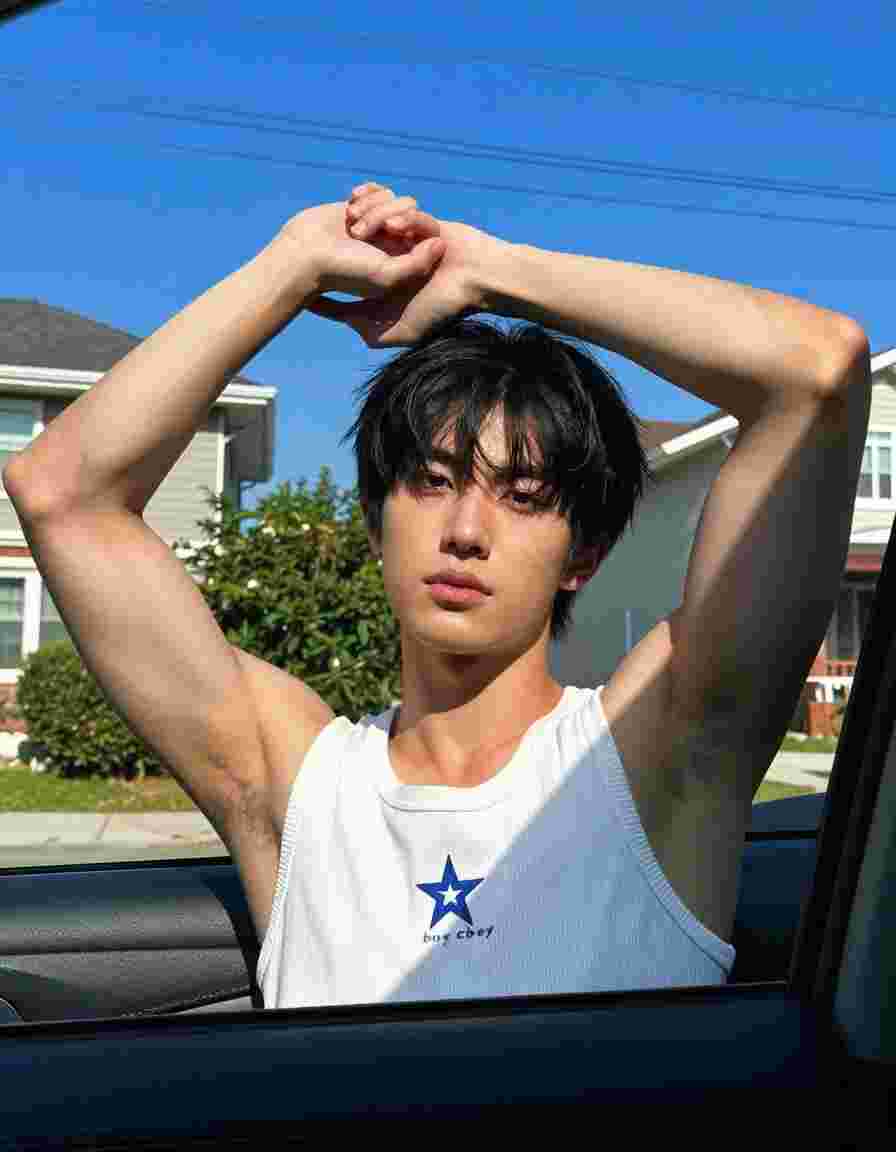
Animalization AI visual effect, first frame preview

Animalization

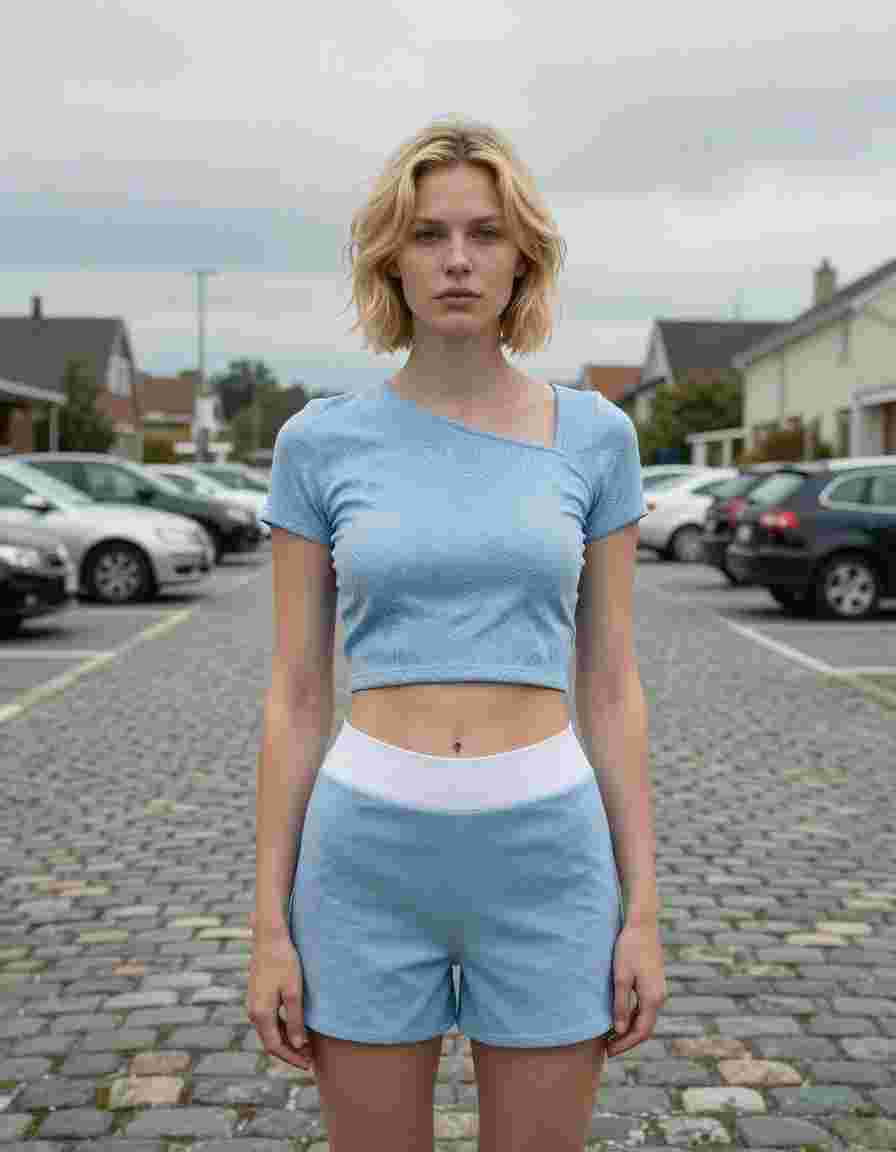
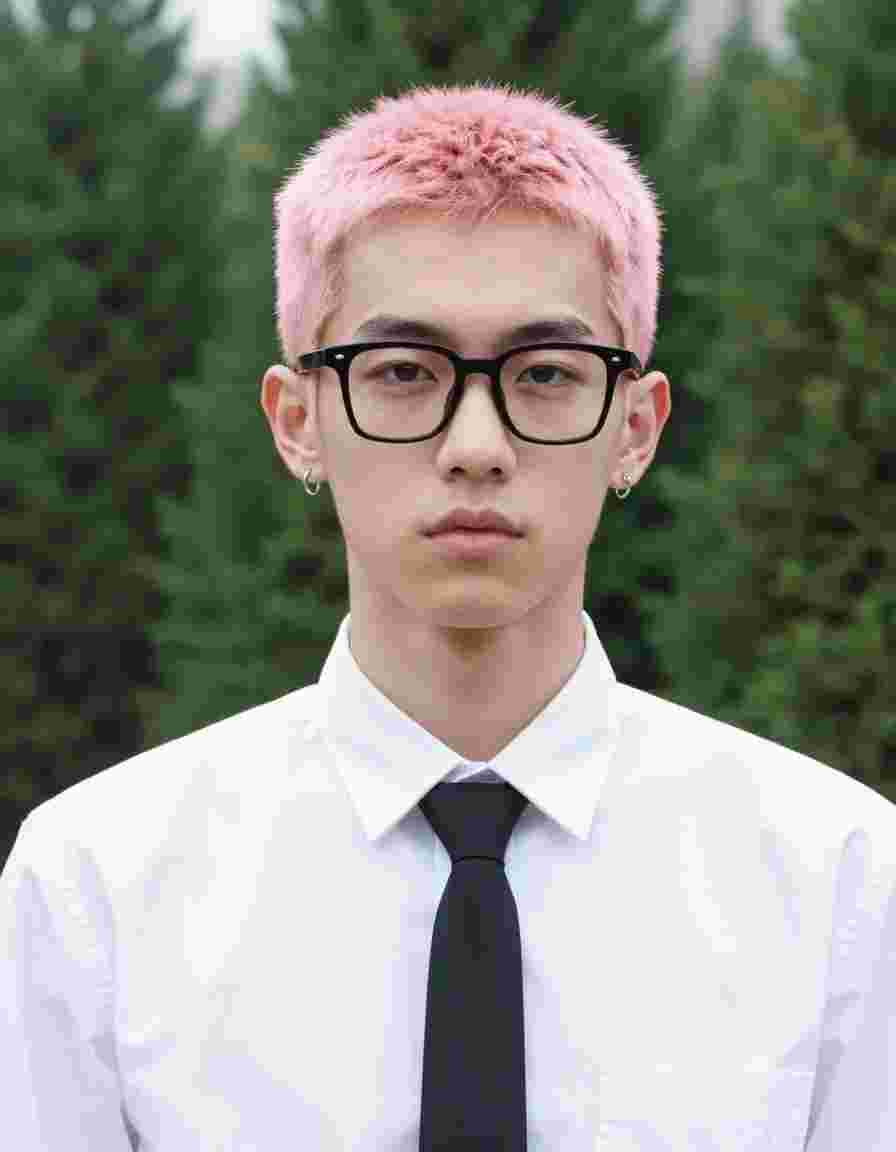
Giant Grab AI visual effect, first frame preview

Giant Grab

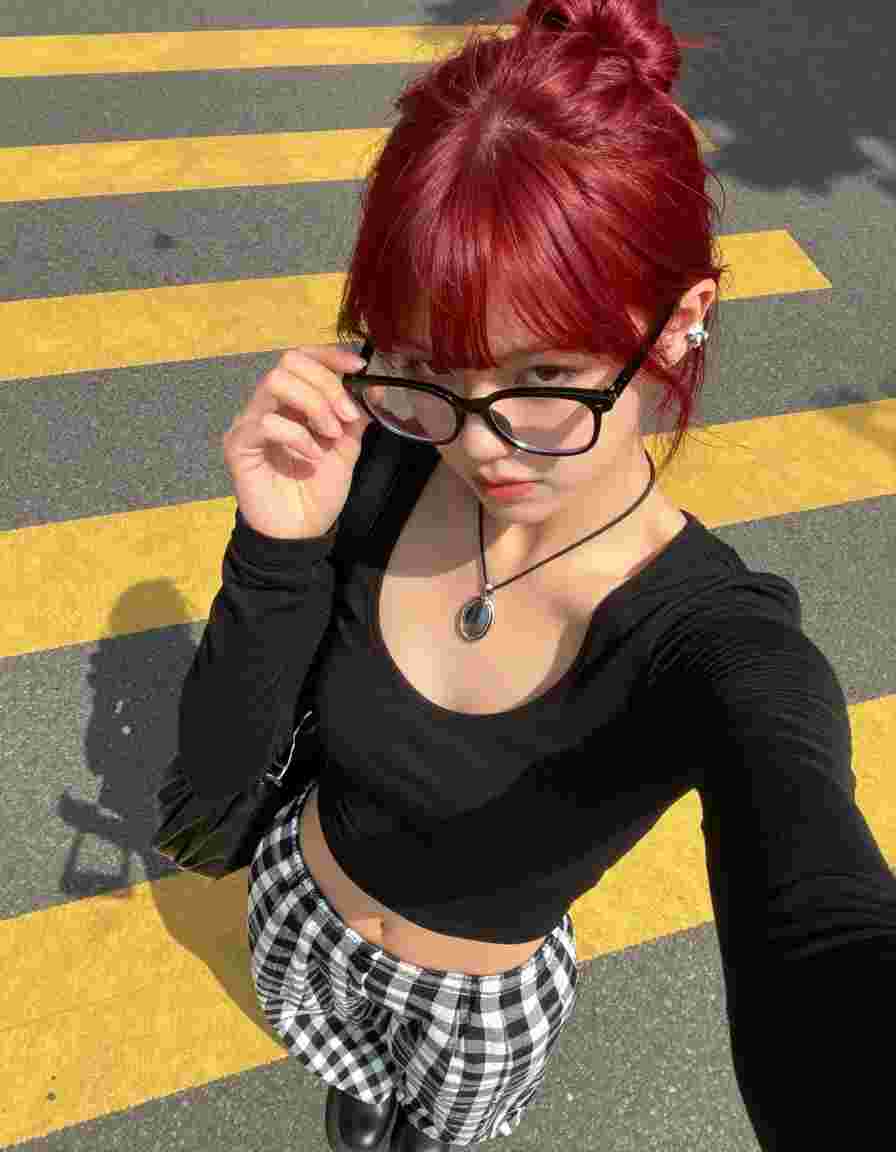
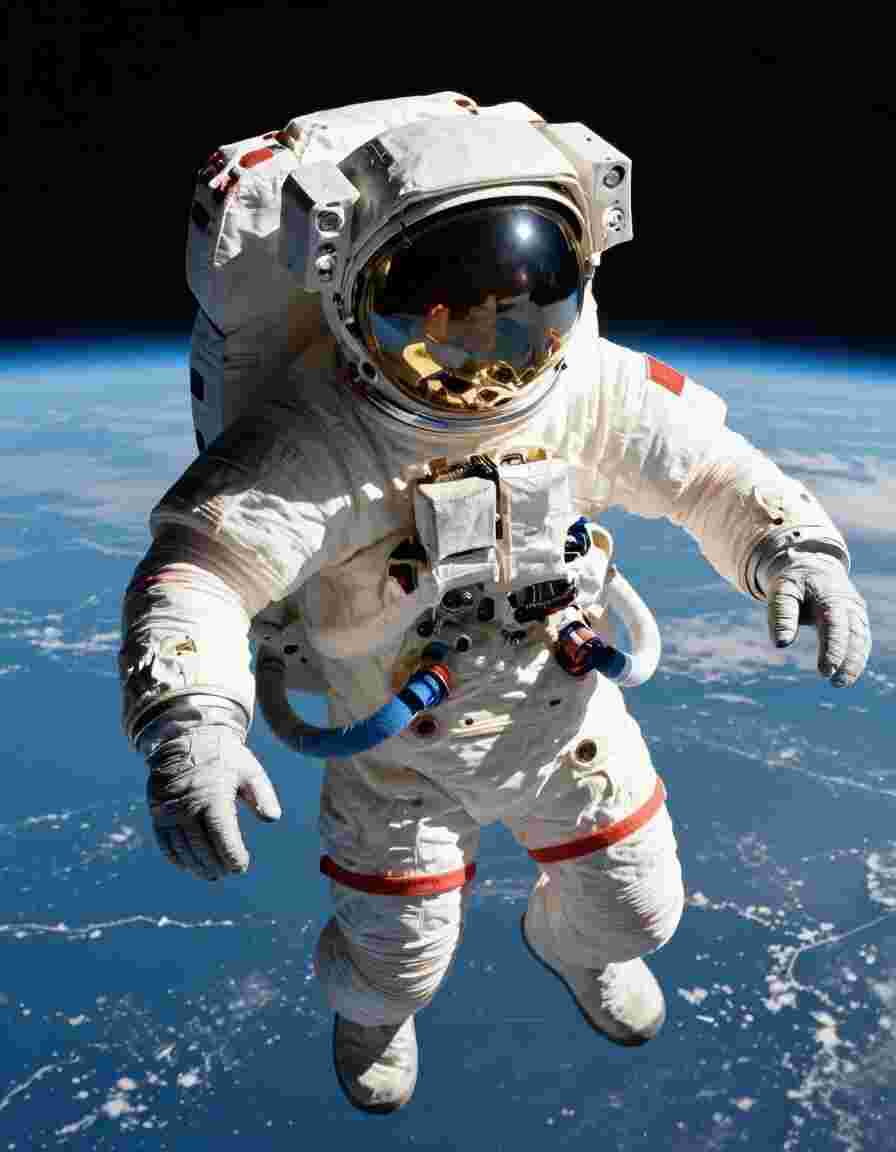
Flying Cam Transition AI visual effect, first frame preview

Flying Cam Transition

Melt Transition AI visual effect, first frame preview

Melt Transition

Splash Transition AI visual effect, first frame preview

Splash Transition

Fire Element AI visual effect, first frame preview

Fire Element

Flame Transition AI visual effect, first frame preview

Flame Transition

I Can Fly AI visual effect, first frame preview

I Can Fly

Starship Troopers AI visual effect, first frame preview

Starship Troopers

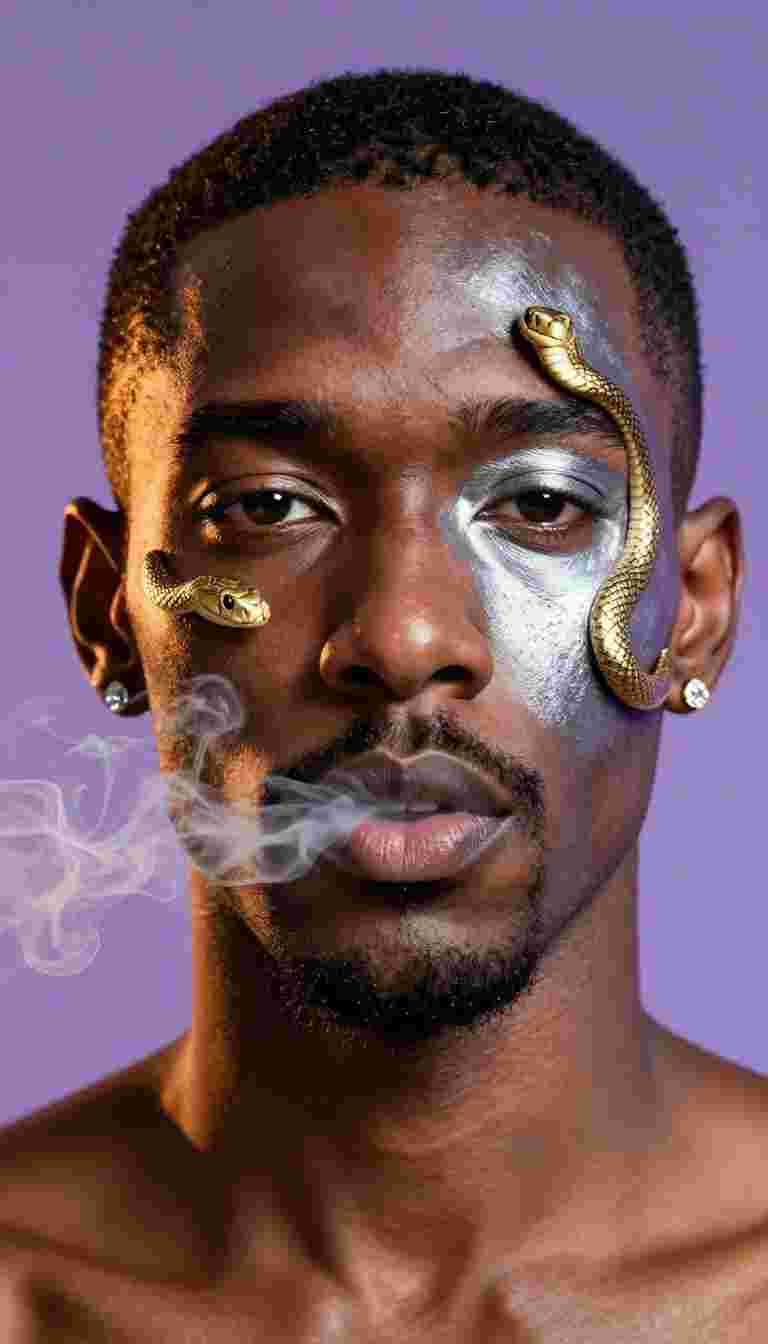
Smoke Transition AI visual effect, first frame preview

Smoke Transition

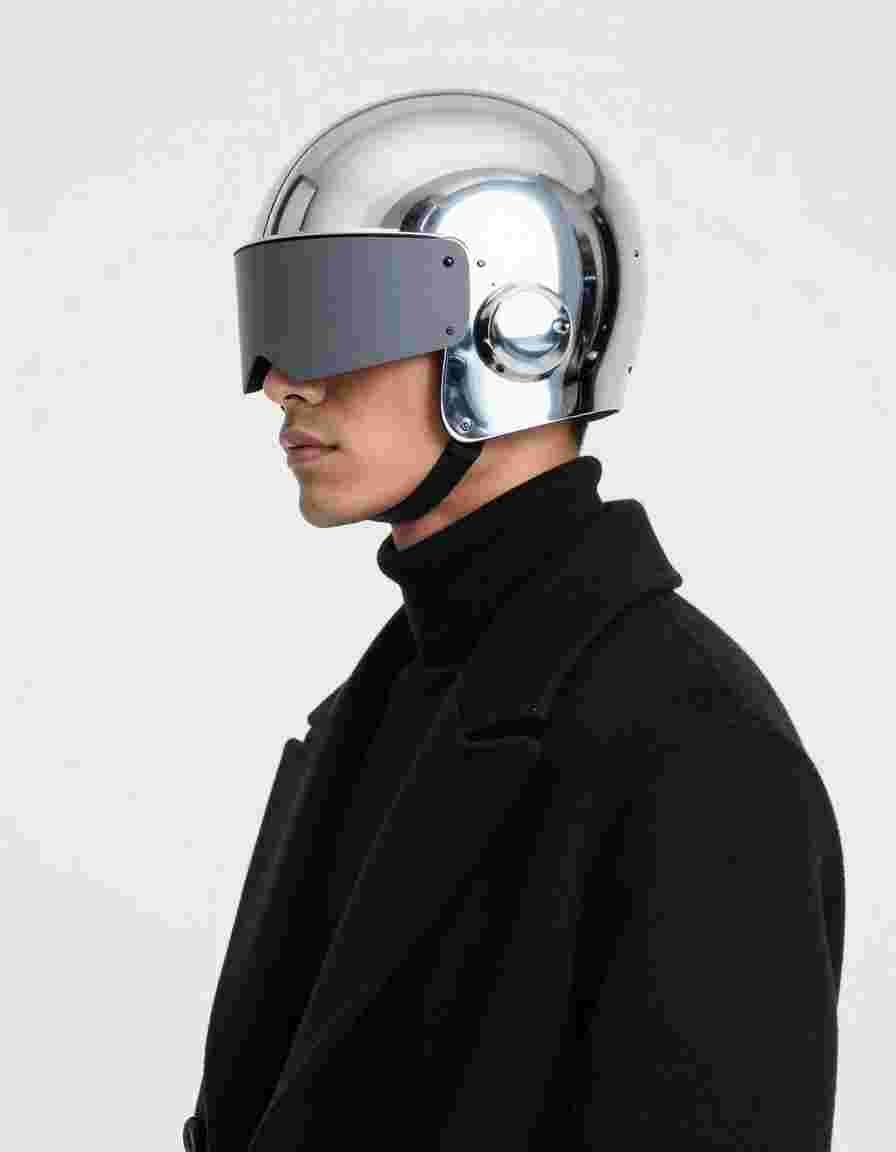
Cyborg AI visual effect, first frame preview

Cyborg

More from Wan 2.2

Other AI visual effects rendered with Wan 2.2. Same engine, different motion, different vibe.

General AI visual effect, first frame preview

General

Touch AI visual effect, first frame preview

Touch

K-Drama Smile Trend AI visual effect, first frame preview

K-Drama Smile Trend

V Sign AI visual effect, first frame preview

V Sign

Finger Heart AI visual effect, first frame preview

Finger Heart

Arm Heart AI visual effect, first frame preview

Arm Heart

Anime Dance AI visual effect, first frame preview

Anime Dance

Buing Buing AI visual effect, first frame preview

Buing Buing

Trending right now

The most generated AI visual effects across the platform this week, sorted by community usage.

Earth Zoom Out AI visual effect, first frame preview
Top choice

Earth Zoom Out

Arc Right AI visual effect, first frame preview
Top choice

Arc Right

Building Explosion AI visual effect, first frame preview
Top choice

Building Explosion

Disintegration AI visual effect, first frame preview
Top choice

Disintegration

Eyes In AI visual effect, first frame preview
Top choice

Eyes In

General AI visual effect, first frame preview
Top choice

General

Static AI visual effect, first frame preview
Top choice

Static

Turning Metal AI visual effect, first frame preview
Top choice

Turning Metal

Frequently asked questions

How do I generate the Ahegao effect with my own photo?

Click Try this effect above. You will land in the Wan 2.2 generator with the effect prompt pre-loaded. Upload your photo, hit generate and Picasso IA renders your cinematic video in 30 to 90 seconds.

Which AI model powers Ahegao?

Ahegao uses Wan 2.2, an image-to-video model selected by our team for its quality on this specific motion. You can browse other Wan 2.2 effects from the badge above.

How much does it cost to generate Ahegao?

Cost is measured in credits and depends on resolution and duration. Most Wan 2.2 effects run between 5 and 60 credits per generation. Pro and Infinity subscribers get unlimited generations on supported models.

Can I use Ahegao commercially?

Yes. Generations are yours to use in personal and commercial projects, including social ads, brand campaigns and client work. Check our terms for the full license.

What kind of input photo gives the best results?

High-resolution images with clear subjects and good lighting produce the strongest results. Portraits work best for character effects, landscapes for camera moves, and product shots for commercial templates.

Ready to recreate Ahegao with your own photo?

Open the Wan 2.2 generator, upload a photo and apply the effect in one click. No credit card needed to start.
Try Ahegao