How many images and videos can I generate?
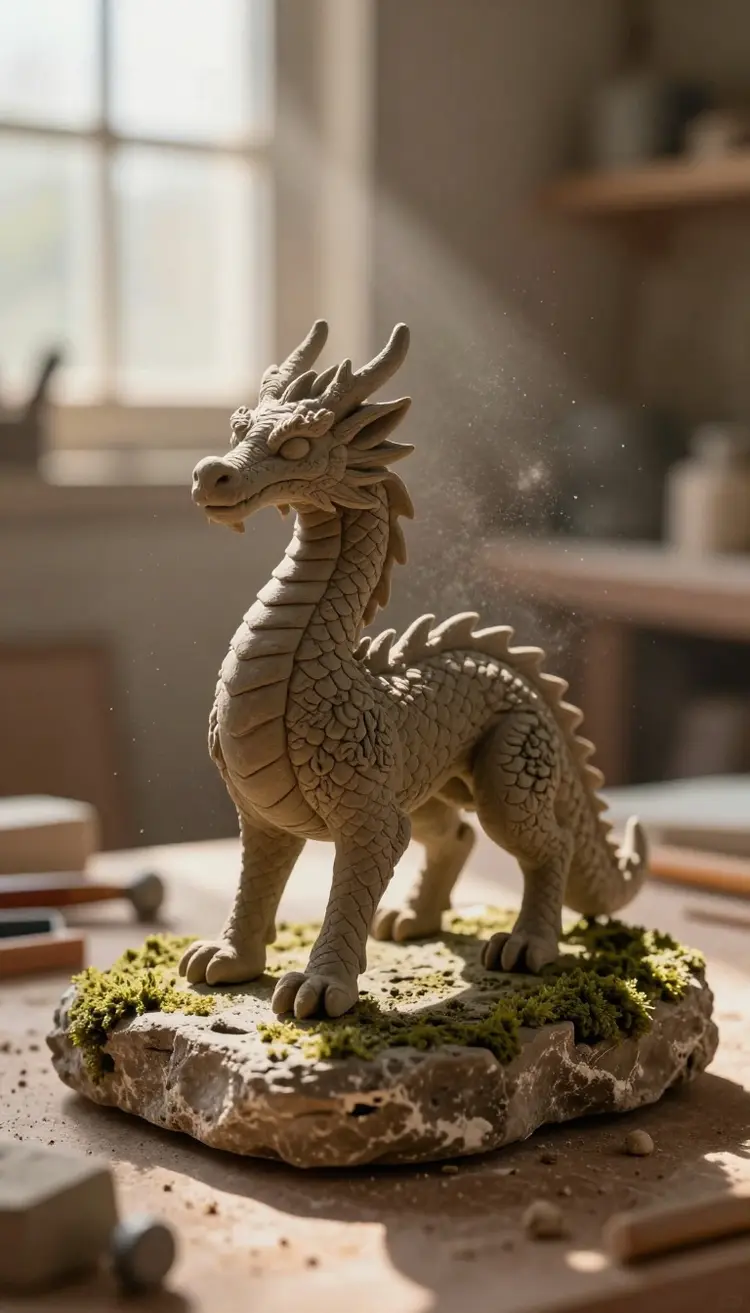
Free users get a daily quota that resets every 24 hours, enough to try every model and finish small projects. Pro and credit pack users get unlimited image generation on most models and large monthly allowances on premium video models like Sora 2 Pro and Veo 3.1. Pricing is transparent and the dashboard shows your remaining budget per model in real time.
What AI models can I use on Picasso IA?
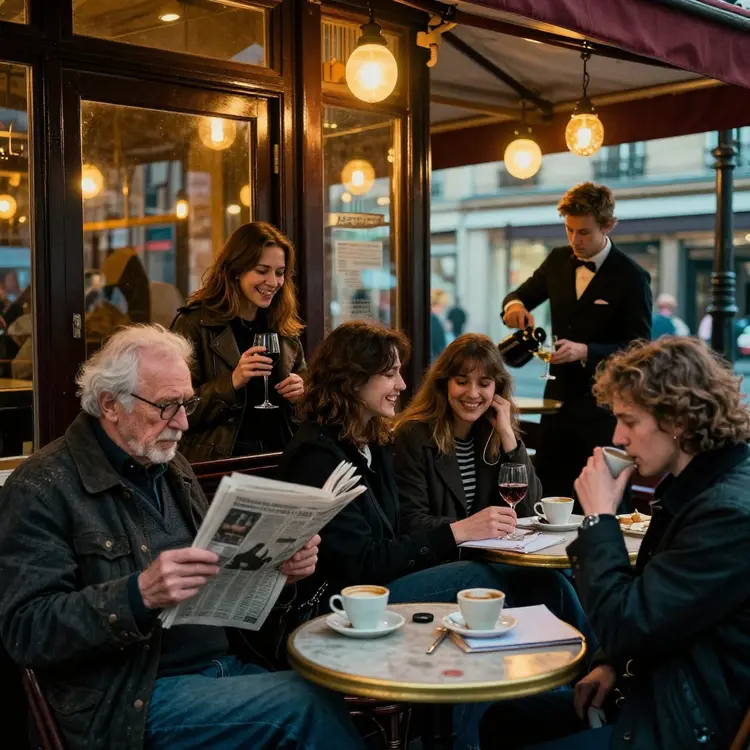
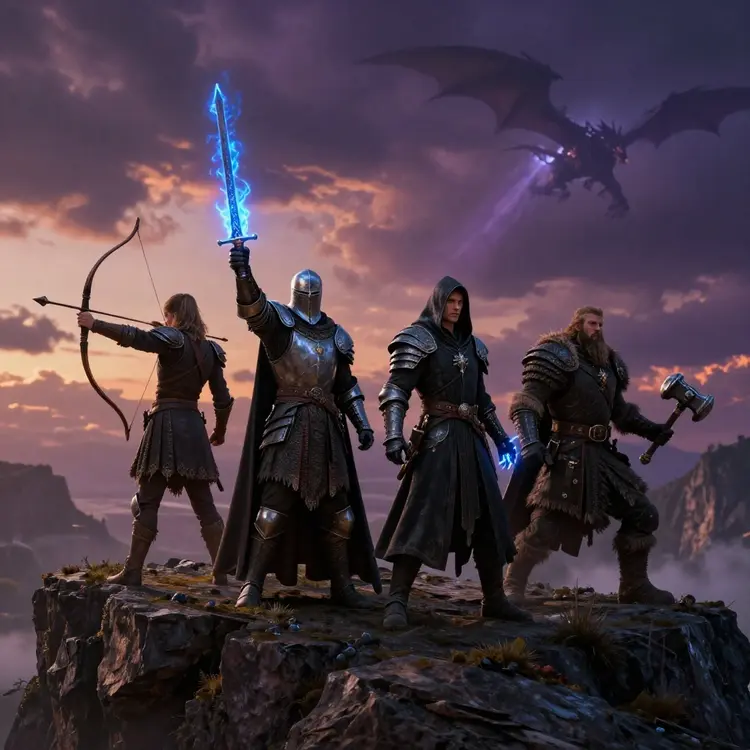
Picasso IA hosts over a hundred frontier models across image, video, audio, 3D and chat. Highlights include Nano Banana Pro, GPT Image 2.0, FLUX.2 Pro, Sora 2 Pro, Veo 3.1, Seedance 2.0, Claude Opus 4.7, GPT 5.5 Pro, Gemini 3 Pro, ElevenLabs and Lyria. New models get added within days of their official release so you always have access to the latest tech.
Do I own what I create?
Yes. Every output you generate on Picasso IA belongs to you and you can use it for personal or commercial projects, including paid client work, ads, merchandise and stock platforms. The platform does not retain rights to your prompts or your finished assets, and there is no per asset licensing fee on top of your subscription. What you generate is yours.
Is there a free plan?
Yes. The free plan covers every model in the catalog, including the premium video and chat models, with a daily generation quota that refreshes automatically. There is no credit card required to sign up, no time limited trial, and no watermark on free tier outputs. Most users finish small projects without paying a cent, and you can upgrade only when you need more volume.
Can I sync a voice to a face in video?
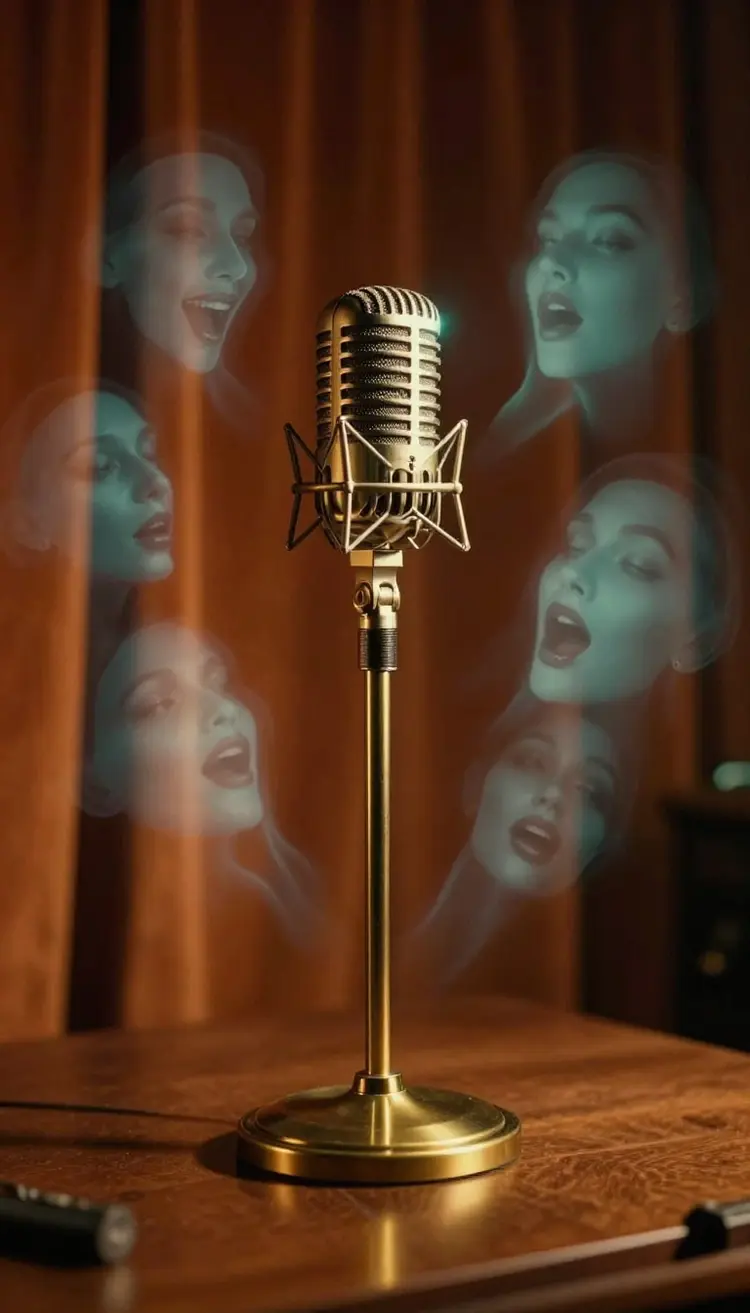
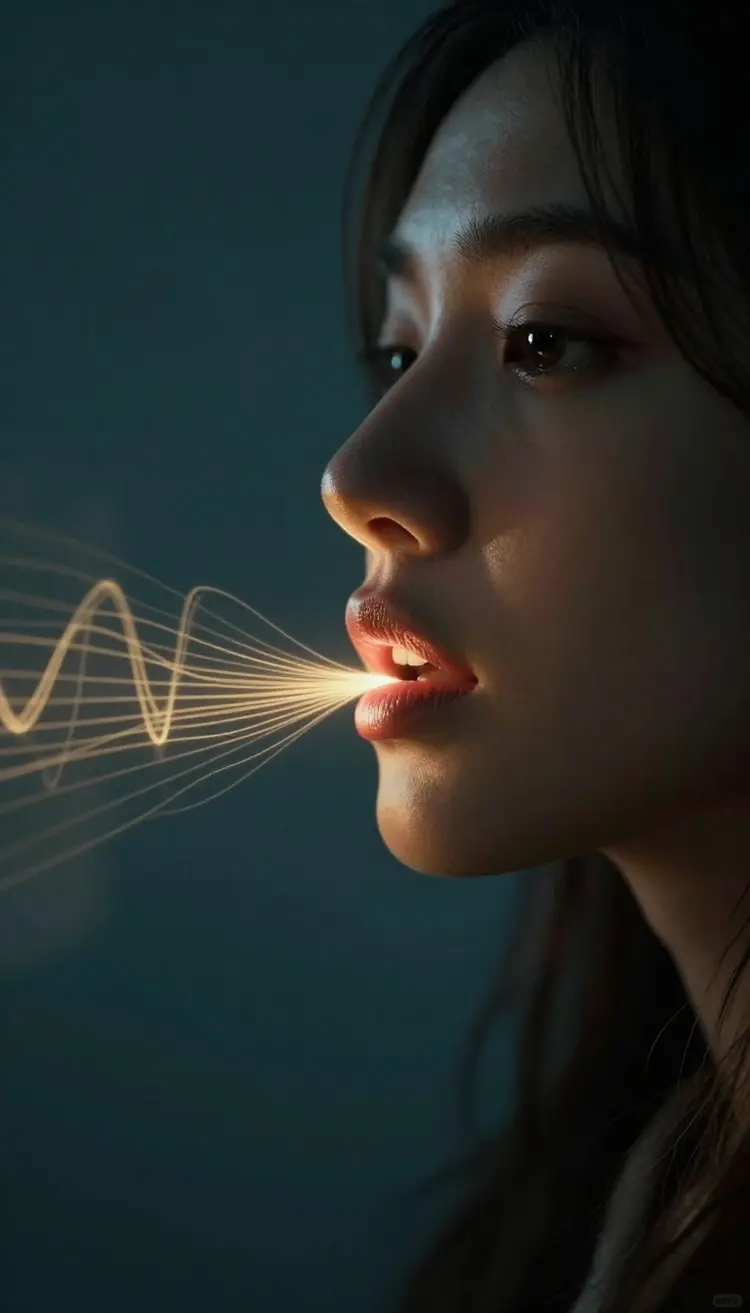
Yes, the Lipsync tool inside Picasso IA aligns any voice track to any face in a video clip or still image. Upload your footage, drop in an audio file or generate a voice with the TTS tool, and the model handles the lip motion frame by frame. Works for dubbing into new languages, talking head avatars, animating photos and fixing a take where the audio went wrong on set.
How long can my AI videos be?
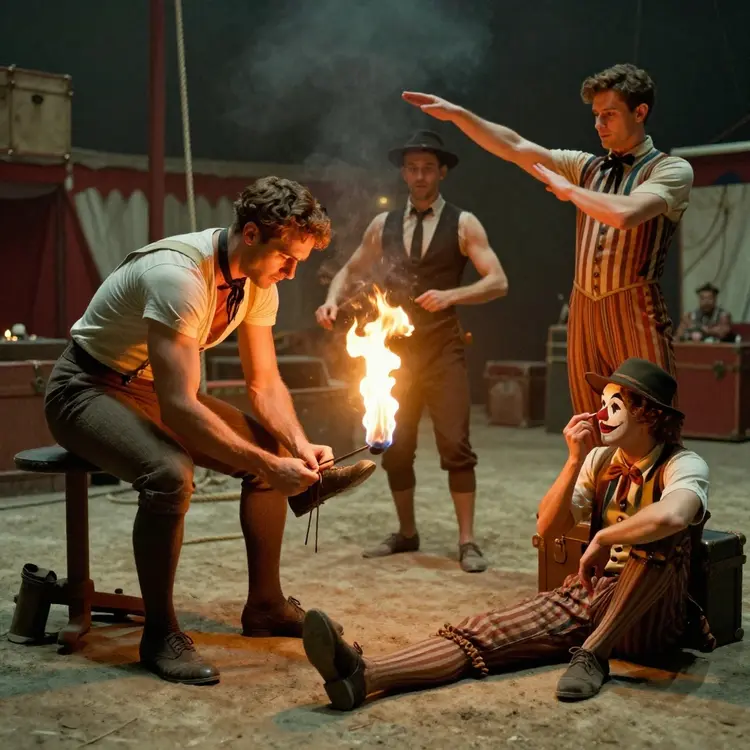
Most text to video models on Picasso IA generate clips between five and ten seconds per single shot, which matches what Sora, Veo and Kling officially support. You can chain shots together inside the AI video editor to build longer scenes, and the editor handles transitions, color grading and pacing for you in one timeline before you export the final video.
Can I clone my own voice?
Yes. Upload a short clean audio sample, around thirty seconds works best, and Picasso IA trains a custom voice you can reuse across any TTS generation on the platform. The clone supports multiple languages from a single sample and you can fine tune emotion, pace and pitch per output line for narration, ads, game characters or simply turning your blog posts into a daily podcast.
What languages does Picasso IA support?
The platform interface ships in English, Spanish, French, Portuguese, Hindi and Arabic. The AI models themselves understand prompts in many more languages, and the voice and transcription tools cover the major world languages with native accents. You can write your prompt in any language you speak and get the same quality output across image, video, voice and chat.
Have more questions?
Visit the full FAQ for in depth answers on pricing, models, limits and commercial use. If you still need help, write to the team and you will get a real reply, usually within the same day.